Case IH Tractor ARM 1129 Fault Code: Implement Depth Control Switch Failed
What ARM 1129 Means
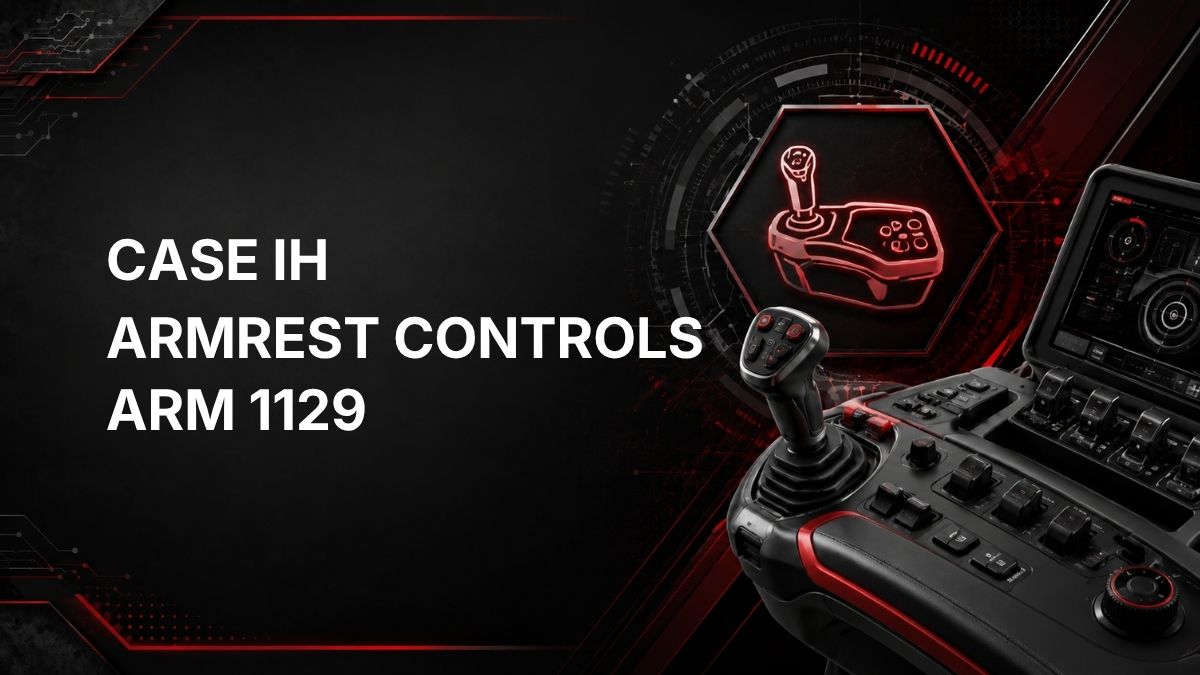
ARM 1129 is a Case IH tractor fault code from the ARM controller, which relates to armrest controls.
The official description is: Invalid Configuration – Implement Depth Control switch is failed.
In practical terms, the armrest controller is detecting a problem associated with the Implement Depth Control switch. The fault description specifically identifies the switch as failed and also references an invalid configuration condition. This does not confirm the exact physical cause by itself, but it does point the diagnosis toward the Implement Depth Control switch circuit, its connection, or the controller configuration related to that input.
Likely Symptoms
Symptoms can vary by tractor setup and installed equipment. Possible operator-noticed symptoms may include:
- ARM 1129 fault message or warning displayed.
- Implement depth control function may not respond normally.
- Armrest control functions related to implement depth may be limited or disabled.
- The fault may return after startup or after using the depth control switch.
- Controls may behave differently if the controller cannot recognize the switch input correctly.
Because the source fault description is limited to the ARM controller and Implement Depth Control switch, do not assume other hydraulic, hitch, or implement faults are present without further testing.
Possible Causes
Based on the official description, common possibilities to check include:
- Failed Implement Depth Control switch.
- Switch stuck, damaged, contaminated, or not returning correctly.
- Loose, corroded, damaged, or disconnected wiring at the switch or related armrest harness.
- Poor electrical connection causing the ARM controller to see an invalid input.
- Incorrect or lost controller configuration related to the implement depth control option.
- Recent armrest, switch, controller, or wiring work that may have affected configuration or connections.
The code alone does not prove which of these is the cause. It identifies the area that should be diagnosed.
Diagnostic Checks
1. Confirm the Fault Code
- Record the exact code: ARM 1129.
- Note when it appears: at key-on, during operation, or when the Implement Depth Control switch is used.
- Check whether any other fault codes are present, especially other ARM or armrest-control codes.
2. Inspect the Switch
- Check the Implement Depth Control switch for obvious physical damage.
- Look for sticking, broken movement, contamination, or signs of liquid intrusion.
- Do not force the switch if it feels jammed or damaged.
3. Inspect Accessible Wiring and Connectors
- With the tractor safely parked and powered down, inspect accessible connectors and wiring associated with the armrest control area.
- Look for loose plugs, damaged insulation, corrosion, pinched wiring, or evidence of previous repair.
- Reconnect only connectors that are clearly loose and accessible. Avoid probing connectors unless you have the correct information and tools.
4. Consider Recent Repairs or Changes
- If the armrest, switch, harness, controller, or related components were recently replaced or serviced, configuration may need to be checked.
- An invalid configuration message may require controller setup verification using approved diagnostic equipment.
Repair Guidance
Repair should be based on confirmed diagnosis, not only on the presence of the code.
- If the switch is visibly damaged or confirmed failed by testing, replacement may be required.
- If wiring or connector damage is found, repair the connection or harness issue using proper electrical repair practices.
- If the issue is related to controller setup, option programming, or calibration, the ARM controller configuration may need to be corrected.
- After repairs, clear the fault code if the system allows and operate the control to confirm the fault does not return.
Avoid bypassing the switch or altering wiring to make the code disappear. Armrest controls affect machine operation, and incorrect repairs can create unsafe or unreliable behavior.
When Dealer Diagnostics May Be Required
Dealer diagnostic equipment or a qualified technician may be required when:
- The code returns after basic visual checks.
- The Implement Depth Control switch needs electrical testing.
- Controller configuration, calibration, or software setup must be verified.
- Multiple ARM controller faults are present.
- The tractor has had recent controller, armrest, or harness replacement.
- You do not have the correct service information, test procedures, or tools.
Because ARM 1129 includes an Invalid Configuration condition, a technician with Case IH-compatible diagnostic tools may be needed to confirm the controller sees the correct switch type and configuration.
Get Help From a Local Case IH Dealer
Quick Summary
Case IH ARM 1129 means the ARM armrest controller has detected an invalid configuration condition associated with a failed Implement Depth Control switch. Start with a careful check of the switch, connectors, and visible wiring. If no obvious issue is found, or if configuration is suspected, use dealer-level diagnostics or involve a qualified technician.