Case IH ARM 9012 Fault Code: Loss of Aux Remote Lever Calibrations
What Case IH ARM 9012 Means
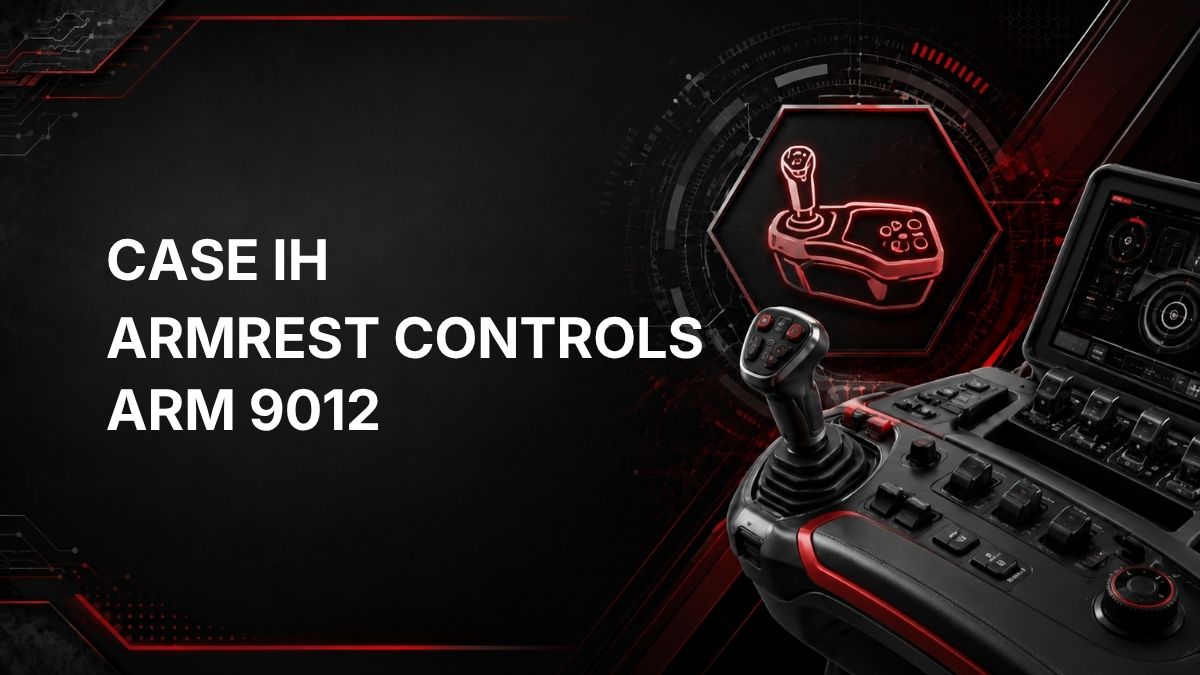
ARM 9012 is a Case IH tractor fault code for the ARM controller, which relates to armrest controls.
The official description is: Controller Memory Error – Loss of Aux Remote Lever Calibrations.
In practical terms, the armrest controller has detected a memory-related problem involving the stored calibrations for the auxiliary remote levers. These calibrations help the controller interpret lever input correctly. If the calibration data is missing, corrupted, or not retained properly, the tractor may not respond to auxiliary remote lever commands as expected.
Likely Symptoms
Symptoms can vary by tractor configuration and software, but ARM 9012 may be associated with issues such as:
- Auxiliary remote levers not responding normally
- Hydraulic remote functions behaving inconsistently
- Armrest control warnings or fault messages appearing on the display
- Need to recalibrate auxiliary remote levers
- Fault returning after key cycle if calibration data is not retained
This code does not confirm a specific failed part by itself. It indicates that the controller has detected a memory error involving aux remote lever calibration data.
Possible Causes
Based on the fault description, possible causes may include:
- Lost or invalid auxiliary remote lever calibration data
- Memory error within the armrest controller
- Calibration not completed successfully
- Electrical interruption during calibration or controller operation
- Software or controller-related issue requiring diagnostic support
A proper diagnosis is needed before replacing any controller or armrest component.
Diagnostic Checks
1. Record the Fault Information
Before clearing anything, record the complete fault code, when it appears, and what function was being used. Note whether the code is active or stored if the tractor display provides that information.
2. Check Operator-Visible Conditions
Confirm whether the auxiliary remote levers operate normally. If any lever does not respond correctly, behaves erratically, or requires recalibration, this information can help guide diagnosis.
3. Inspect Basic Electrical Conditions
Where accessible and safe, check for obvious electrical concerns such as loose connectors, damaged wiring, low system voltage symptoms, or recent service work that may have affected armrest control connections. Do not disassemble sealed modules unless directed by service information.
4. Attempt Approved Calibration Only If Available
If the tractor operator interface or service literature provides an approved auxiliary remote lever calibration process, follow it exactly. Do not guess calibration steps, because incorrect procedures may create additional faults or leave the controls improperly configured.
5. Check Whether the Code Returns
After any approved calibration or basic correction, verify whether ARM 9012 returns. A fault that immediately returns may indicate the controller is not accepting or retaining calibration data.
Repair Guidance
Repairs should be based on confirmed diagnostic results. General guidance includes:
- Complete the correct auxiliary remote lever calibration procedure if calibration data has been lost.
- Correct any obvious power, ground, connector, or wiring issue found during inspection.
- Do not replace the armrest controller solely because the code is present; confirm the cause first.
- If calibration cannot be completed or the code returns repeatedly, further diagnostic testing is needed.
Because ARM 9012 involves controller memory and lever calibration data, dealer diagnostic equipment may be required to view controller status, perform guided calibrations, check software levels, clear faults correctly, or determine whether the ARM controller has an internal memory issue.
When to Call a Qualified Technician
Contact a Case IH dealer or qualified technician if:
- The auxiliary remote levers do not operate correctly
- The calibration procedure is not available from the operator display
- The fault returns after calibration
- Multiple armrest or controller faults are present
- There are signs of wiring damage, water intrusion, or intermittent electrical issues
- Controller programming, software updates, or replacement may be required
A qualified technician can use the correct diagnostic tools and service information to avoid unnecessary parts replacement and to ensure the auxiliary remote levers are calibrated safely.
Find Local Case IH Service and Support
Summary
Case IH ARM 9012 means the armrest controller has detected a controller memory error involving loss of auxiliary remote lever calibrations. The most practical first steps are to document the code, check auxiliary remote lever operation, inspect for obvious electrical issues, and perform only approved calibration procedures. If the fault persists, dealer diagnostics or a qualified technician may be required.