Case IH ARM 109 Fault Code: Aux 3rd Remote Flow Potentiometer Failed
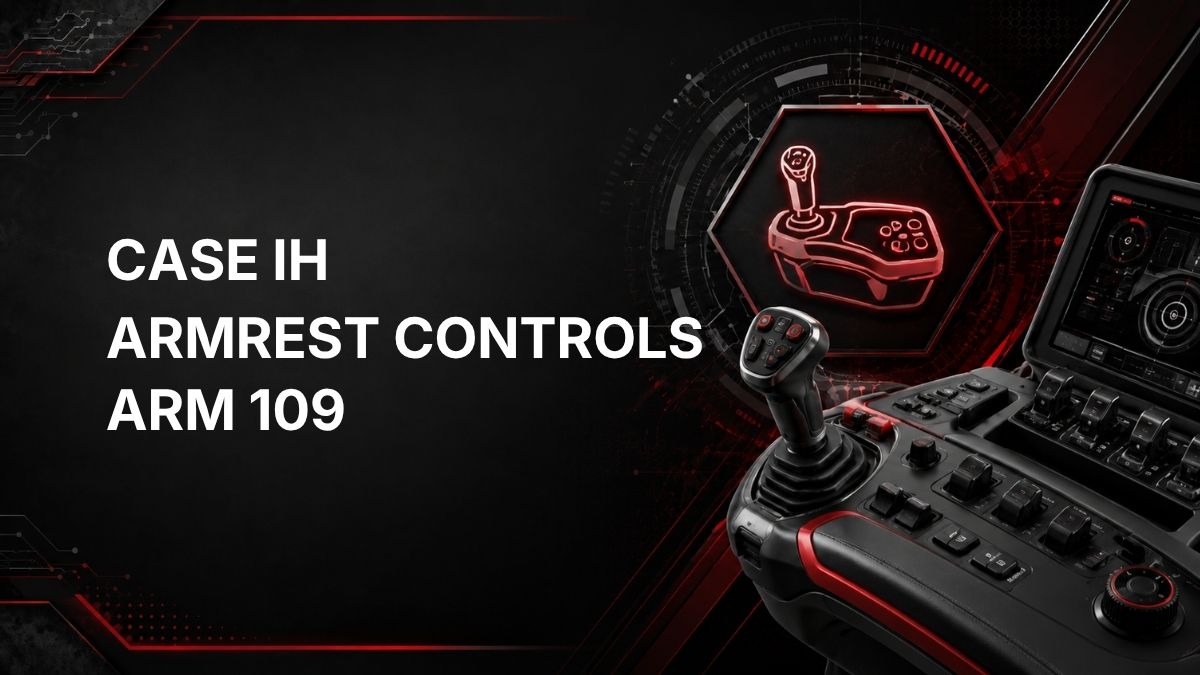
Case IH ARM 109 is an armrest controls fault code related to the tractor hydraulic remote controls. The official description is: Aux 3rd remote valve FLOW potentiometer is failed.
In practical terms, the ARM controller is reporting a problem with the flow-adjustment input for the auxiliary third remote valve. This does not automatically confirm which physical part has failed, but it does indicate that the controller is seeing the 3rd remote flow potentiometer signal as invalid or failed.
What ARM 109 Means
ARM 109 points to the Aux 3rd remote valve FLOW potentiometer. A potentiometer is an electrical input device used to tell the controller what flow setting has been selected. If the controller cannot read that input correctly, it may log this code and may limit or ignore the related flow command.
This fault is in the ARM controller category, which is associated with armrest controls.
Likely Symptoms
Symptoms can vary by tractor configuration and software, but ARM 109 may be associated with:
- ARM 109 fault code displayed or stored.
- Warning message or service indicator related to armrest controls.
- Auxiliary 3rd remote flow setting not responding as expected.
- Erratic, unavailable, or limited flow adjustment for the 3rd remote.
- Hydraulic function connected to the 3rd remote behaving differently than the selected flow setting suggests.
These symptoms are not guaranteed. The fault code should be used as a diagnostic starting point, not as proof of a single failed component.
Possible Causes
Based on the official fault description, the most relevant area is the 3rd remote valve flow potentiometer circuit. Possible causes include:
- Failed Aux 3rd remote valve FLOW potentiometer.
- Loose, damaged, or corroded connector in the related control circuit.
- Damaged wiring between the potentiometer and the ARM controller.
- Poor electrical contact causing an intermittent signal.
- Controller input or calibration issue that requires diagnostic equipment to confirm.
Do not assume the potentiometer is the only possible cause until the circuit has been checked.
Diagnostic Checks
1. Confirm the fault code
Record the exact code as displayed: ARM 109. If other ARM, hydraulic, or electrical fault codes are present, diagnose them in the order recommended by the service information for the tractor.
2. Check operating conditions
Note when the fault appears. For example, record whether it occurs at key-on, when adjusting remote flow, or while using the 3rd remote. This information can help a technician identify whether the problem is constant or intermittent.
3. Inspect accessible controls and wiring
With the tractor safely parked and powered down according to the operator information, inspect only accessible areas for obvious damage. Look for loose connectors, rubbed wiring, moisture, contamination, or physical damage around the related control area. Do not disassemble components unless you are qualified and have the correct service information.
4. Avoid guessing or bypassing
Do not bypass the potentiometer, force connectors, or substitute parts without testing. Incorrect testing can create additional faults or damage the controller.
5. Use dealer diagnostics when needed
Dealer diagnostic equipment or a qualified technician may be required to read live potentiometer input data, check the controller response, perform circuit tests, clear codes correctly, or complete any required calibration after repair.
Repair Guidance
Repairs should be based on test results. Common repair directions may include correcting a wiring or connector problem, replacing a confirmed failed flow potentiometer, or addressing a controller input issue if verified by proper diagnostics.
If the code returns immediately after clearing, or if the 3rd remote flow adjustment is unavailable, the tractor should be inspected by a qualified technician. Electrical input faults can be intermittent, and live data from the ARM controller is often needed to separate a failed potentiometer from a wiring or connector issue.
When to Stop and Call a Technician
Use a qualified Case IH technician or dealer support if:
- The code remains active after basic visual checks.
- The 3rd remote hydraulic function is needed for safe operation.
- Multiple electrical or hydraulic codes are present.
- You do not have the correct service information or diagnostic tools.
- Calibration, controller testing, or component replacement is required.
Contact a Nearby Case IH Service Center
Summary
Case IH ARM 109 means the ARM controller has detected a failure related to the Aux 3rd remote valve FLOW potentiometer. The practical result may be loss of reliable flow adjustment for the 3rd remote. Start with code confirmation and basic visual checks, but use dealer diagnostic equipment or a qualified technician when circuit testing, live data, calibration, or component replacement is needed.