Case IH Tractor ARM 18033 Fault Code Guide
What ARM 18033 Means
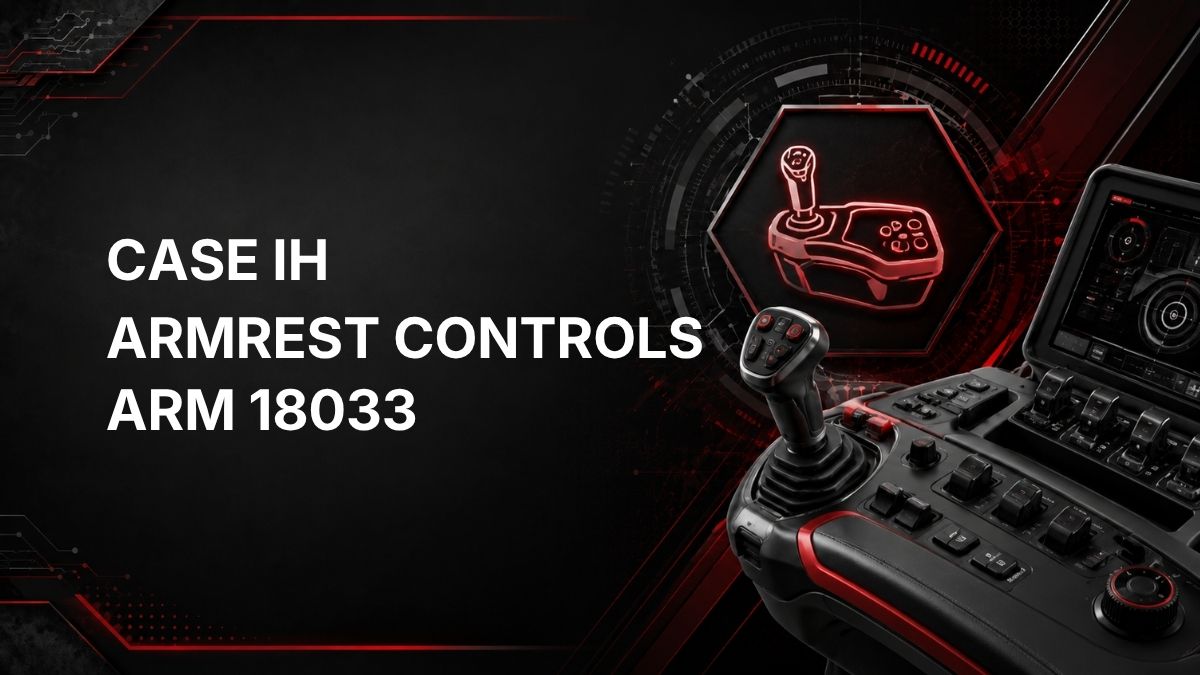
On a Case IH tractor, fault code ARM 18033 is related to the ARM controller, which is associated with armrest controls.
The official description is: Front hitch position / pressure mix potentiometer – voltage too high.
In practical terms, the ARM controller is detecting a signal voltage from the front hitch position/pressure mix potentiometer that is higher than the controller expects. This may point to an electrical signal issue, a potentiometer issue, a wiring problem, or a controller input concern. The code does not, by itself, prove that a specific part has failed.
Likely Symptoms
Symptoms can vary depending on tractor configuration and how the front hitch function is being used. Possible symptoms may include:
- Front hitch control response may be limited, erratic, or unavailable.
- A warning message, fault code, or service indicator may appear on the display.
- Armrest control functions related to the front hitch may not behave as expected.
- The tractor may store the fault even if the operator does not notice an obvious performance issue.
Because this code refers to a signal voltage condition, symptoms may be intermittent if the cause is related to wiring, connector condition, or vibration.
Possible Causes
Based on the official fault description, possible causes to consider include:
- Front hitch position/pressure mix potentiometer signal voltage too high.
- Faulty or out-of-range potentiometer signal.
- Open, shorted, damaged, or corroded wiring in the related circuit.
- Poor connector contact, loose terminals, moisture intrusion, or contamination.
- Incorrect signal caused by a reference voltage, ground, or signal wire issue.
- Less commonly, a controller input fault may be involved.
Do not replace components based only on the fault code. The circuit should be tested before parts are replaced.
Diagnostic Checks
1. Confirm the Fault Code
Record the full fault code, controller name, and any related warnings shown on the tractor display. If multiple codes are present, diagnose them in a logical order, especially any codes related to power supply, ground, sensors, or controller communication.
2. Check When the Code Appears
Note whether ARM 18033 appears at key-on, only when operating the front hitch, intermittently during movement, or after operating in wet or dusty conditions. This information can help narrow down whether the issue is constant or intermittent.
3. Inspect Connectors and Harnessing
Visually inspect accessible wiring and connectors associated with the front hitch control circuit and armrest control system. Look for damaged insulation, loose connectors, bent pins, corrosion, moisture, contamination, rubbed harness sections, or signs of previous repair.
4. Avoid Guesswork on Voltage Testing
The fault description indicates a voltage that is too high, but the correct test points and expected values should come from the Case IH service information for the exact tractor. Using the wrong pins or assumptions can cause incorrect diagnosis or electrical damage.
5. Use Proper Diagnostic Equipment
Dealer diagnostic software or qualified service tools may be needed to view live sensor data, confirm the potentiometer signal, perform calibrations if applicable, clear active and stored faults, and verify the repair.
Repair Guidance
Repair should be based on test results, not the code alone. Practical repair paths may include:
- Cleaning, drying, and securing affected connectors if contamination or moisture is found.
- Repairing damaged wiring or terminals using approved methods.
- Correcting poor ground, reference, or signal circuit problems if confirmed by testing.
- Replacing the front hitch position/pressure mix potentiometer only if diagnosis confirms it is faulty.
- Performing any required calibration or setup with appropriate Case IH diagnostic equipment, if specified for the tractor.
After repairs, clear the fault code and operate the front hitch controls under the same conditions that originally triggered the warning. Recheck for active or returning faults.
When to Call a Dealer or Qualified Technician
Contact a Case IH dealer or qualified agricultural equipment technician if the code remains active, if the wiring checks do not reveal an obvious problem, if live data or calibration is required, or if you are not equipped to test sensor circuits safely.
Dealer-level diagnostic equipment may be required to accurately evaluate the ARM controller input and confirm whether the issue is in the potentiometer, wiring, connector, calibration, or controller circuit.
Contact a Nearby Case IH Service Center
Key Takeaway
Case IH ARM 18033 means the ARM controller has detected a front hitch position/pressure mix potentiometer voltage that is too high. Start with code confirmation and connector/wiring inspection, then use proper service information and diagnostic equipment to test the circuit before replacing parts.