Case IH Tractor ARM 1149 Fault Code Guide
What ARM 1149 Means
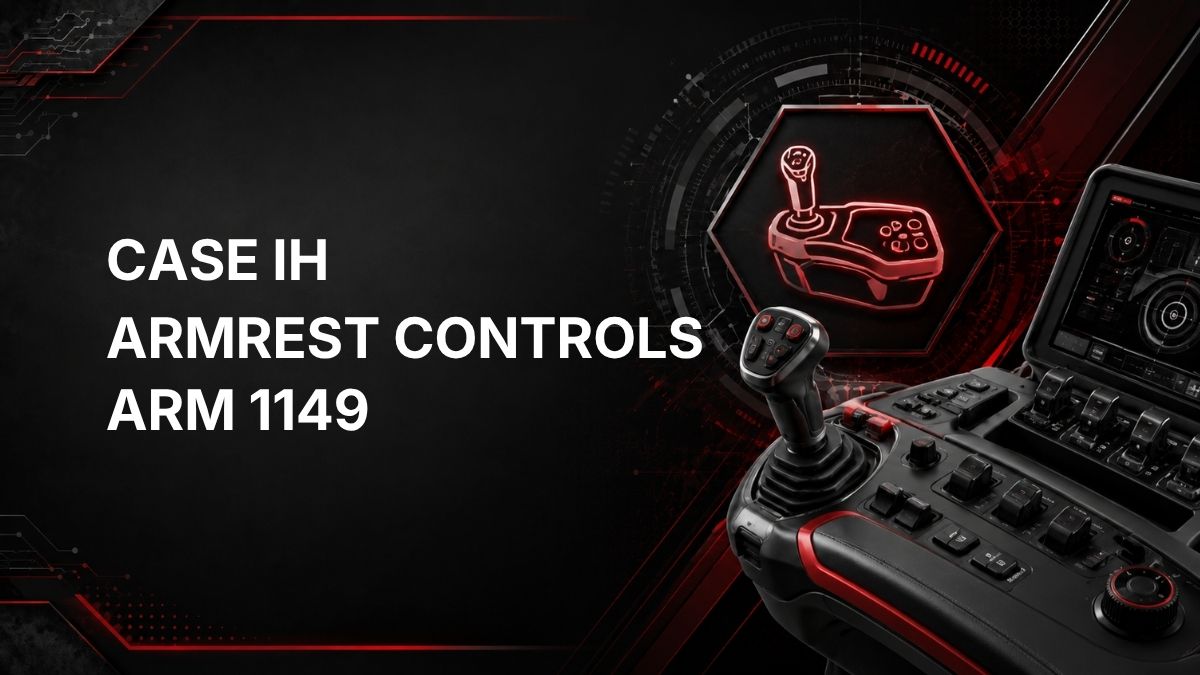
On a Case IH tractor, fault code ARM 1149 is reported by the ARM controller, which relates to the tractor’s armrest controls.
The official description is: Auto Field / Transport Switch is in an illogical state.
In practical terms, the controller is seeing a switch status that does not make sense for the Auto Field / Transport switch. This may mean the switch signal is conflicting, out of sequence, not changing as expected, or not matching a valid operating state. The code does not by itself prove that the switch is failed; wiring, connectors, control input logic, or controller interpretation may also be involved.
Likely Symptoms
Symptoms can vary depending on tractor configuration and operating conditions. Possible operator complaints may include:
- ARM 1149 fault message or warning appearing on the display.
- Auto Field or Transport mode not engaging as expected.
- Field/transport-related functions behaving inconsistently.
- Armrest control functions being limited, disabled, or delayed.
- The fault appearing intermittently, especially when the switch or armrest area is moved or used.
Because the source fault description only identifies an illogical switch state, these symptoms should be treated as possibilities rather than guaranteed results.
Possible Causes
Common causes to consider include:
- Auto Field / Transport switch not fully selecting a valid position.
- Switch contacts worn, contaminated, sticking, or internally damaged.
- Loose, corroded, damaged, or poorly seated electrical connector in the related circuit.
- Damaged wiring, rubbed insulation, open circuit, or short circuit in the switch signal wiring.
- Moisture or debris affecting the switch or connector.
- Armrest control input not being interpreted correctly by the ARM controller.
- Previous repair, adjustment, or accessory installation affecting the armrest control circuit.
Diagnostic Checks
1. Record the Fault Conditions
Before clearing the code, note when ARM 1149 appears. Record whether it occurs at startup, during field operation, when selecting transport mode, or when operating the Auto Field / Transport switch. Intermittent faults are often easier to diagnose when the operating conditions are documented.
2. Check Switch Operation
Operate the Auto Field / Transport switch normally and feel for anything unusual, such as looseness, sticking, failure to latch, or inconsistent movement. Do not force the switch. If it does not move or select normally, that is useful diagnostic information.
3. Inspect for Obvious Electrical Issues
With the tractor safely parked and shut down according to the operator’s manual, visually inspect accessible armrest control wiring and connectors associated with the switch area. Look for loose connectors, damaged harness covering, pinched wiring, corrosion, moisture, dirt, or signs of prior repair.
4. Check Whether the Fault Is Active or Intermittent
If the fault clears and returns only when the switch is moved, the switch or its circuit becomes a stronger suspect. If the fault is active immediately and remains present, the issue may be a constant invalid input, wiring fault, connector problem, or controller-related issue.
5. Use Diagnostic Information Where Available
A service tool or tractor diagnostic display may be able to show the ARM controller’s view of switch input status. Comparing the displayed switch state to the actual switch position can help identify whether the controller is receiving a valid signal.
Repair Guidance
Repair should be based on confirmed diagnosis, not the fault code alone. Practical repair guidance includes:
- Correct any obvious connector or wiring issues found during inspection.
- Clean and secure affected connectors only if appropriate and according to service practices.
- Replace a switch only if testing confirms the switch is not providing a valid input or is mechanically unreliable.
- Repair damaged wiring using approved methods for agricultural equipment harnesses.
- After repair, clear the fault and operate the tractor through the conditions that originally triggered the code.
Avoid bypassing the switch or modifying the circuit. The Auto Field / Transport switch is part of the tractor control system, and incorrect repairs can create unsafe or unpredictable machine behavior.
When Dealer Diagnostics May Be Required
Dealer diagnostic equipment or a qualified technician may be required if:
- ARM 1149 remains active after basic visual checks.
- The fault is intermittent and difficult to reproduce.
- Switch input status must be monitored through the ARM controller.
- Wiring tests are needed beyond a basic visual inspection.
- Controller software, calibration, or configuration needs to be checked.
- The tractor has multiple related armrest or control-system faults.
A qualified Case IH technician can use the correct diagnostic procedures and service information to verify the switch circuit and determine whether the problem is in the switch, wiring, connector, or controller input.
Find Authorized Case IH Service Nearby
Summary
Case IH ARM 1149 means the ARM controller has detected that the Auto Field / Transport Switch is in an illogical state. The most practical first steps are to document when the fault occurs, check the switch for normal operation, inspect accessible wiring and connectors, and determine whether the fault is active or intermittent. If the cause is not obvious, dealer-level diagnostics may be needed to view switch input data and confirm the correct repair.